

Understanding California court formatting rules
California Superior Court formatting rules govern the technical structure of documents filed with the court. These standards differ significantly from academic styles like APA or MLA, which prioritize citation and style over strict procedural compliance. In the California judicial system, formatting is a gatekeeping mechanism; if a document does not meet specific technical requirements, it may be rejected regardless of its legal merit.
The primary focus is on text-searchable PDFs and consistent structural elements. According to California Rules of Court Rule 8.74, electronic documents must be in a text-searchable portable document format (PDF) while maintaining the original document formatting [1]. This ensures that judges and clerks can search the content of filings without manual transcription errors. Deviating from these technical specifications can delay proceedings or result in non-acceptance of the filing.
Understanding these rules is essential for anyone preparing filings in California Superior Courts. The requirements cover page limits, font sizes, line spacing, and margin specifications. While local rules may vary slightly by county, the statewide standards provide a baseline that must be strictly followed. Ignoring these technical details is not a matter of preference but of procedural necessity.
Failure to adhere to these formatting rules can have serious consequences. Courts have the authority to strike non-compliant filings or impose sanctions. Therefore, it is critical to verify the specific requirements for your case before submission. Always consult the official California Courts website or local county rules for the most current information.
File format and text searchability
California courts require all electronically filed documents to be in portable document format (PDF). This standard ensures that your filing appears exactly as intended across all devices and court systems. The format must preserve the original document's layout, fonts, and spacing without distortion.
Beyond the file extension, the PDF must be text-searchable. Courts reject documents that are merely scanned images of paper. A text-searchable PDF allows the court's e-filing system to index the content for future retrieval and search. If a document is an image-only scan, it fails this critical technical requirement.
Use the checklist below to verify your file meets these standards before submission.
-
Open the PDF in a viewer and use the search function to locate specific text from the document.
-
Ensure the search returns the exact text you typed, confirming it is not an image scan.
-
Verify the file opens correctly on multiple devices without layout shifts or missing fonts.
-
Check that the file size is within the court's specific limit for the case type.
Create a text-searchable PDF
Generating a compliant PDF depends on how the file was created. If you drafted the document in word processing software, you must export or save it as a PDF directly from the application. This method embeds the text layer automatically, ensuring the file is searchable by default.
If you have a physical document that must be filed electronically, you must use an optical character recognition (OCR) process. Standard scanning creates an image file, which is not searchable. You must use software that applies OCR to convert the image pixels into selectable text. Without this step, the court will likely reject the filing for non-compliance.
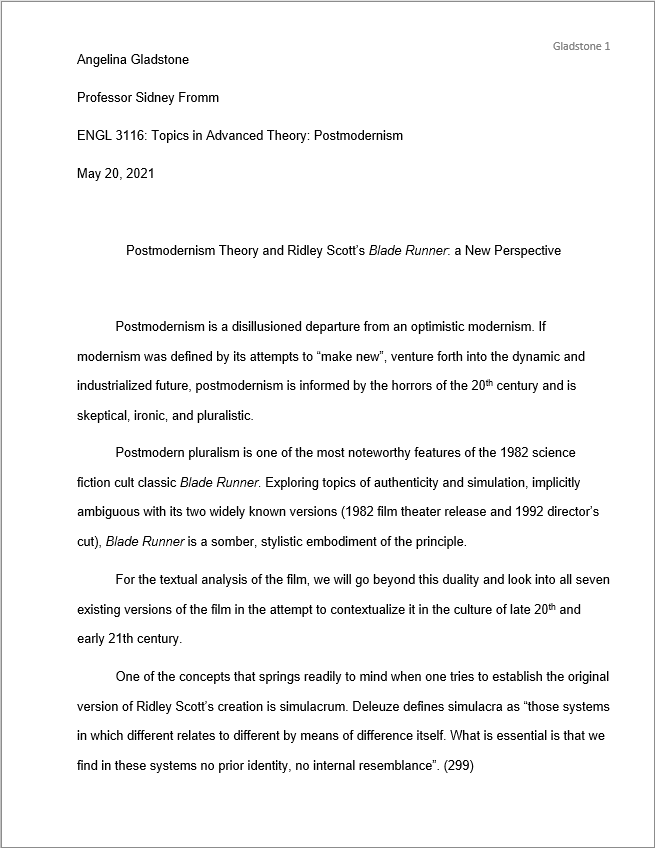
If you are drafting the document digitally, avoid taking screenshots or scanning the final page. Instead, use the "Save As" or "Export" function in your word processor and select PDF as the destination format. This preserves the underlying text layer, making the document immediately searchable for court clerks and judges.
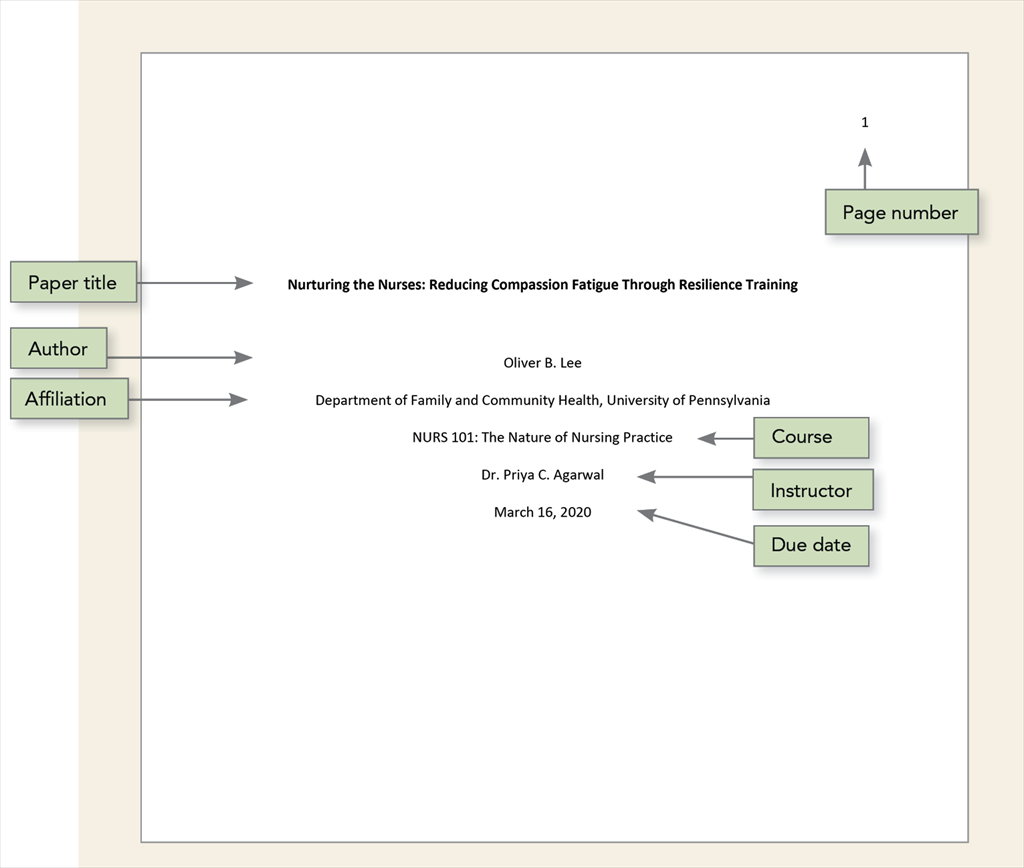
For documents that exist only as paper, use a scanner with OCR capabilities or dedicated conversion software. The goal is to create a PDF where the text is selectable, not just visible. Test the result by trying to highlight and copy a paragraph; if you cannot select the text, the OCR process failed or was skipped.
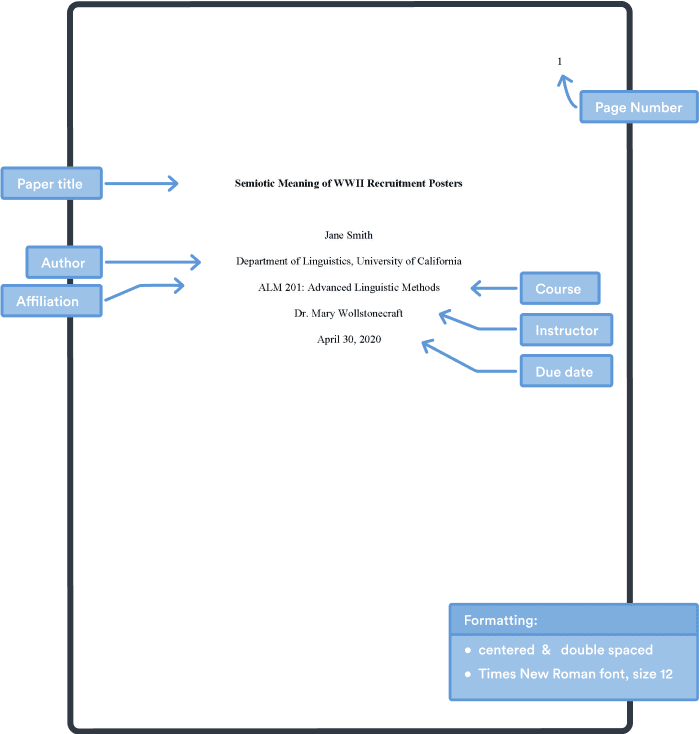
Open the final PDF and perform a quick search for a unique phrase from your document, such as a case number or a specific legal citation. If the search function finds the text, your file is compliant. If it returns no results, you must re-process the file through an OCR tool before filing.
Font, spacing, and margin requirements
California courts enforce strict typographic standards to ensure that filings remain legible and consistent across all electronic and physical submissions. Rule 8.74(b) sets forth these formatting requirements, superseding previous local rules for font, spacing, margins, and alignment. Adhering to these technical specifications is essential for avoiding administrative rejections during e-filing.
Font and Text Color
The primary requirement is a 12-point font. The typeface must be essentially equivalent to Courier, Times New Roman, or Arial. This standard ensures that text density remains uniform, regardless of whether the document is printed or viewed on screen. Text must be black or another dark color that provides clear contrast against the white background. Colored text, watermarks, or decorative fonts are not permitted and may result in the document being returned for correction.
Margins and Spacing
Standard margins are required on all sides of every page. Margins must be at least one inch (1") from the top, bottom, left, and right edges of the page. This creates a consistent border that allows for binding and review without obscuring content. Line spacing must be double-spaced, except for block quotes, footnotes, and captions, which may be single-spaced. This spacing rule applies to the entire document, ensuring that judges and clerks can easily read and annotate filings.
First Page Layout and Caption Rules
California Superior Court filings have strict formatting requirements for the first page. Rule 2.111 dictates the exact structure for the caption and line spacing. Getting this wrong can delay processing or result in rejection. The rules are technical, not stylistic.
Caption Placement and Content
The caption identifies the case and the parties involved. It must appear in the upper portion of the first page.
- Court Name: Start 1 inch from the top of the page. Center the name of the court (e.g., "SUPERIOR COURT OF CALIFORNIA, COUNTY OF LOS ANGELES").
- Case Title: Below the court name, list the plaintiff and defendant. Use the full legal names as they appear in the complaint or notice.
- Case Number: Include the assigned case number if known. Place it to the right of the title or below it, depending on the specific form.
- Document Title: Clearly label the document (e.g., "PLAINTIFF'S MOTION FOR SUMMARY JUDGMENT").
Line Spacing and Margins
Readability and uniformity are the goals of these spacing rules. All text on the first page, including the caption, must follow these standards:
- Line Spacing: Use double spacing throughout the caption and the body of the document. Do not use single spacing or 1.5 spacing.
- Margins: Maintain 1-inch margins on all sides (top, bottom, left, right). This ensures space for court stamps and signatures.
- Font: Use a standard, legible font such as Times New Roman, Arial, or Courier New. The font size should be 12-point or larger.
These requirements apply to both paper and e-filing submissions. When preparing your document, verify that the caption aligns precisely with the court's template. Small deviations in spacing or alignment can cause technical issues during electronic filing.
Page numbering and footer standards
Electronic filing systems in California superior courts require precise document structure to ensure seamless processing. The footer and page numbering must remain consistent throughout the entire filing. Courts use these elements to verify document integrity and facilitate accurate indexing.
Footer requirements
Place the footer on every page, including the cover sheet. The footer must contain the case number and the title of the document. Use a font size no smaller than 10 points. The text should be centered or aligned to the left margin. Avoid decorative lines or complex graphics that might interfere with optical character recognition (OCR) scanning.
Page numbering placement
Number pages in the top right corner. Begin numbering on the first page of the main body text, excluding the cover sheet and table of contents. Use Arabic numerals (1, 2, 3). Do not include the cover sheet in the page count. Ensure the numbers are clear and do not overlap with the header or body text. This placement helps clerks plan around the document quickly during review.
Compliance checklist
- Verify the footer includes the case number and document title.
- Confirm page numbers start on the first page of the main body.
- Check that font sizes meet the minimum 10-point requirement for footers.
- Ensure no graphics obscure the footer or page numbers.
Adhering to these technical standards prevents rejection of your filing. Courts prioritize clarity and consistency in e-filing submissions. Always double-check your formatting before final submission to avoid delays in the legal process.
Common filing mistakes to avoid
Even minor formatting errors can cause the court clerk to reject a document, delaying your case. Under the California Rules of Court, technical compliance is as important as the legal arguments themselves. Failing to meet these standards often results in the return of your entire filing, requiring you to correct and resubmit the paperwork.
One frequent error is submitting a non-searchable PDF. If the text cannot be selected or copied, the court’s electronic system may flag it as invalid. Always generate PDFs from the original source files rather than scanning physical copies, unless you use high-quality OCR software to make the text selectable.
Font size and margins are also strict requirements. Most documents must use 12-point font or larger, with specific margins on all sides. Using smaller fonts to fit more text into a page limit is a common mistake that leads to rejection. Ensure your template matches the court’s exact specifications before generating the final file.
To prevent these issues, review your document against the official formatting checklist before uploading. A quick audit of font size, line spacing, and PDF searchability can save significant time and avoid procedural setbacks.
-
Verify 12-point font or larger
-
Check margins meet court requirements
-
Ensure PDF is searchable and not just an image
-
Confirm file name follows court naming conventions
No comments yet. Be the first to share your thoughts!